Share your escape game with a QR Code
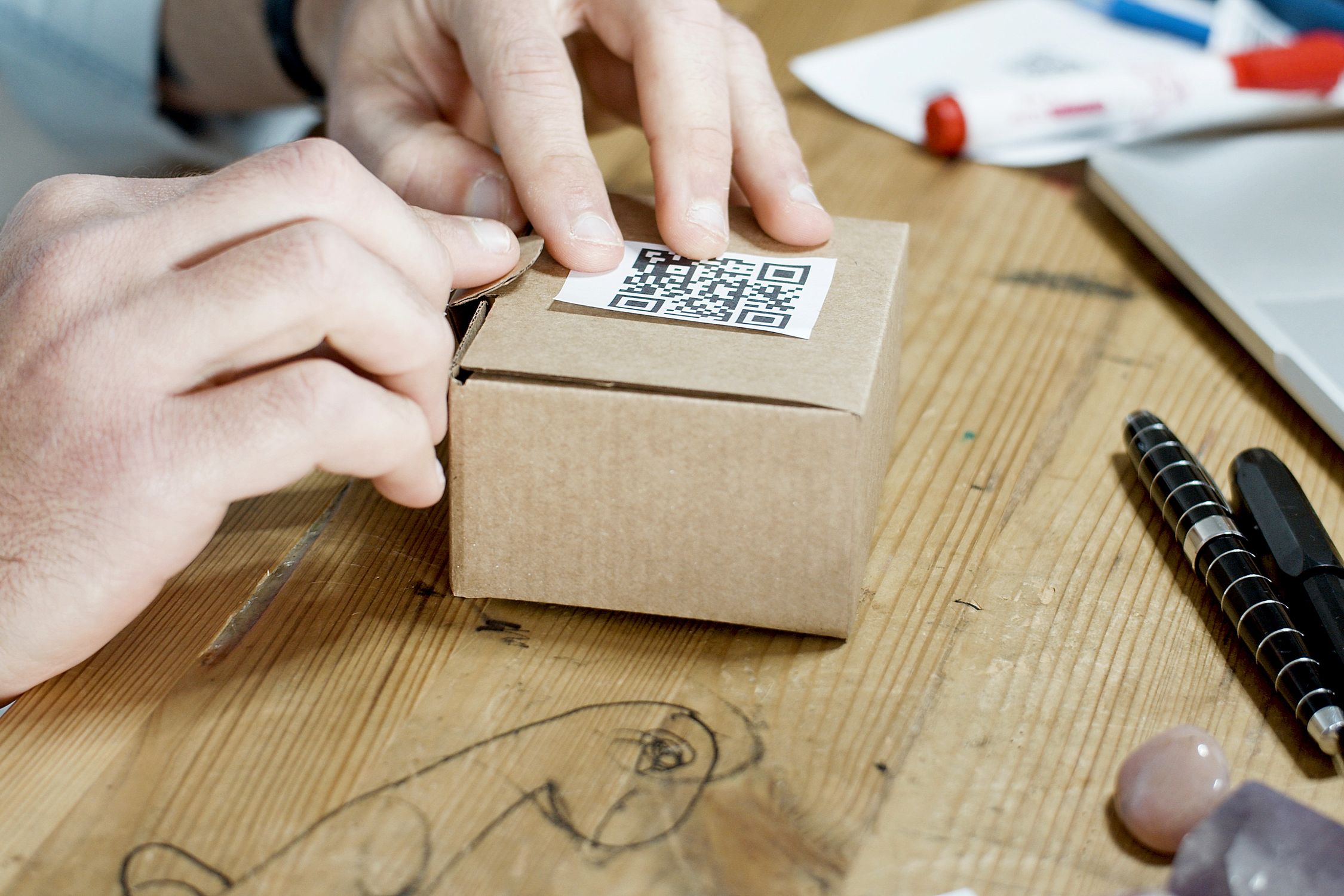
You’ve finished your escape game project and want to share it in a creative way? Rakura lets you do so with a QR Code automatically generated for each game.
Steps to share your escape game
There are two status types for your games on Rakura: private and published. Here’s how to share in each case.
1. Your game is private
If you haven’t published your game yet on the platform, you can still share it using a QR Code.
- On your account page, click the View button for the game you want to share:

- A dropdown menu will appear with the option Share with a QR Code. Click it:

- The QR Code for your game will appear. You can download it, then print it or use it in your communication materials:

2. Your game is published
For a published game, the process is the same. The only difference is that you’ll have access to more sharing options and QR Codes:

Now you know how to share your escape games using the QR Codes generated by Rakura. See you soon for more tutorials!